
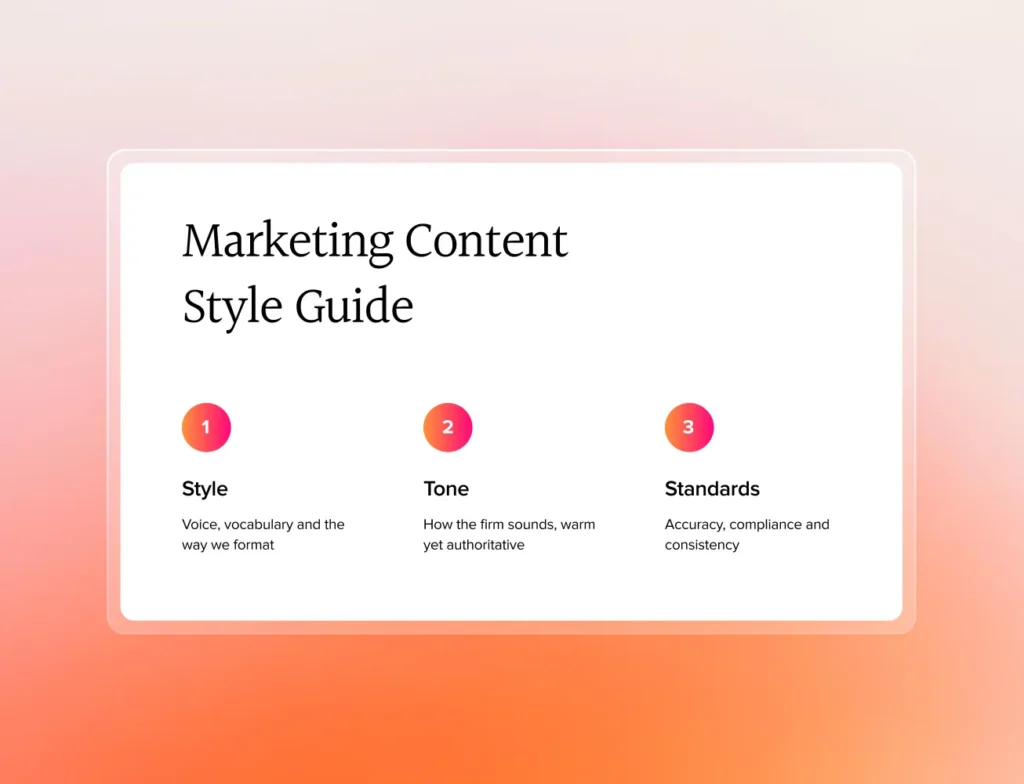
A law firm’s content style guide keeps every article, post and email sounding like the same firm. Three things it needs to cover: voice and tone, formatting rules (headings, lists, capitalisation), and word-level preferences (Australian spelling, banned phrases, house style). Build it once with AI assistance, then enforce it. Consistency is what reads as professional.
This guide is based on a live training session conducted for law firm marketers and partners.
This guide walks you through creating and implementing a comprehensive style guide using AI tools, making the process manageable even for smaller firms with limited marketing resources. All resources mentioned in this guide, including templates and prompts, can be found in the Resources section at the bottom of this post.
Watch our walkthrough guide
The modern approach to content style guides
Traditional content creation typically involves a lawyer drafting content, followed by manual editing and proofreading before publication. Today’s approach streamlines this process by:
- Creating a comprehensive style guide upfront
- Using AI tools to assist with editing and consistency
- Maintaining quality while reducing the time investment
Step-by-step guide to creating your style guide
Phase 1: Foundation setup
Before diving into the details, you’ll need to establish your firm’s basic guidelines. These foundational elements will inform all your future content decisions and ensure consistency across your communications.
- Firm Identity Elements
- Official firm name and any shortened versions
- Usage rules for different communications
- Language style preferences
- Regional legal terminology standards
- Firm Voice Fundamentals
- Writing approach preferences
- Technical language usage guidelines
- Content organisation preferences
- Tone and engagement style
Phase 2: Creating your style guide using AI
Step 1: Using the style guide generation tool
- Access the Custom GPT
- Use Toro Legal Marketing’s GPT tool specifically designed for law firm style guides
- Prepare to answer a series of questions about your preferences
- Have your firm’s basic information ready
Answer the Questionnaire – the tool will guide you through several key areas:
- Foundation Questions
- Your firm’s preferred language style
- Your firm’s name and any shortened versions
- When and how to use different name versions
- Style Preferences, these choices will shape how your content reads and engages your audience:
- Choose your sentence style approach (e.g., direct, sophisticated, or dynamic)
- Define how you’ll handle technical language
- Set content organisation preferences
- Establish reader engagement methods
- Determine topic depth approaches
- Tone Preferences, your tone choices will define your firm’s personality in written communications:
- Select your authority level
- Define emotional warmth approach
- Establish business relationship style
- Choose confidence expression methods
- Set client guidance approach
- Define market position
Customisation Tips – remember that the tool is flexible and adaptable to your needs:
- Don’t feel constrained by the multiple-choice options
- Provide alternative answers if none fit perfectly
- Ask for clarification if questions aren’t clear
- Request examples to understand options better
- Upload sample content you like for analysis
Step 2: Expanding your guide
Once you have your initial output from the GPT tool:
Prepare for Expansion – the AI’s initial output provides a solid foundation, but needs enhancement:
- Save the entire chat transcript
- Keep the comprehensive prompt provided
- Gather any example content you want to reference
Use Claude for Enhancement – Claude can help develop a more comprehensive guide by:
- Using your GPT transcript and prompt
- Creating a 5,000-word expansion
- Adding practical examples of each guideline
- Organising content into clear sections
Review and Refine – take time to evaluate the expanded guide against your firm’s needs:
- Check that examples match your practice areas
- Ensure all sections are relevant to your needs
- Verify that the tone matches your firm’s culture
- Confirm the guide’s usability for your team
Phase 3: Implementation and usage
Step 1: Document preparation
The way you organise and format your guide will significantly impact its usefulness. We suggest compiling all AI outputs into a single document, followed by:
Create Content Templates – supporting documents will help streamline your content process:
- Develop standard prompts for different content types
- Create a reusable submission template
- Prepare example pieces for team reference
Step 2: AI-assisted content review
When you’re ready to start using your guide, follow this process for content review:
Prepare Your Content for Review:
- Attach your style guide document
- Include your draft content
- Prompt Claude with this standard template:
Content Type: [Specify type]
Style and Tone: EDIT AND PROOFREAD USING STYLE GUIDE PRINCIPLES
Language: [Your preferred language]
Target Audience: [Define specific audience]
Review Process – the review cycle should be thorough but efficient:
- Submit content and guide to Claude
- Review AI suggestions against your guide
- Make necessary adjustments
- Save successful examples for future reference
Step 3: Ongoing management
Your style guide should evolve with your firm. Regular maintenance ensures it remains relevant and effective:
Regular Reviews – schedule quarterly reviews to:
- Update examples and guidelines
- Add new content types
- Refine AI prompts
- Incorporate team feedback
Quality Metrics – track your guide’s effectiveness through:
- Content consistency
- Production efficiency
- Client engagement
- Team adoption
Moving forward
Your style guide should be a living document that evolves with your firm. Start with these fundamentals and build upon them as you learn what works best for your team and clients. Regular reviews and updates will help maintain its relevance and effectiveness.
Remember that the goal is to create clear, consistent, and engaging content that reflects your firm’s expertise while remaining accessible to your target audience. Use this guide as a foundation, but don’t be afraid to adapt it to your firm’s specific needs and communication style.
Free resources
- Live training slide deck: Creating a content style guide for your law firm (part 1): View here
- Process: Creating a content style guide for your law firm: View here
- Custom ChatGPT: Create a content style guide for your law firm
- Comprehensive prompt: Content marketing style guide questions View here
- Example output: Content style guide: Pearson & Schmidt Lawyers View here